
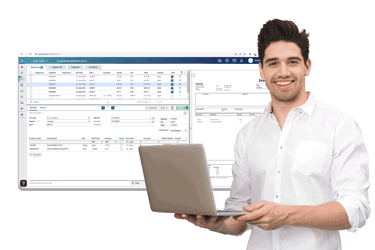
Extract data automatically
Lightyear comes with an AI-based data extraction feature that automatically handles line items and coding, giving your team accurate, coded invoice data without a separate manual step.
Sync supplier invoices, tax rates, and BI codes directly into AccountsIQ, with full line-item extraction through the Lightyear-AccountsIQ integration. AccountsIQ AP automation automates invoice processing, coding, and approval routing, without manual intervention.
Lightyear connects to AccountsIQ via a live API, automatically syncing suppliers, tax rates, the chart of accounts, and BI codes.
Yes. You can send invoices to the item area for more flexibility and visibility into status, or to the batch area if you'd rather approve everything in Lightyear first. You choose during setup, based on how your team already works.
Yes, but it doesn't extract line items or handle coding. Lightyear's extraction covers both, so invoices arrive fully coded rather than needing manual completion.
The setup is straightforward. Lightyear's onboarding team will guide you through the process, including confirming whether invoices should land in the item area or batch area. If you'd rather have it walked through directly, our team can jump on a call.
Yes, Lightyear flags duplicate invoices automatically before they reach your approval workflow, reducing the risk of duplicate payments.
Yes, if you manage multiple entities or clients on AccountsIQ, Lightyear can be set up with a parent-child account structure to keep them organised separately. Since Lightyear doesn't charge per user or per entity, you can scale this across as many clients as you need at no additional cost.